Introduction
Have you ever wondered why some websites rank on the first page of Google and others don’t? The secret is often hidden in “backlinks.” If you are a blogger or business owner, you must know how to check backlinks for website. Backlinks are like votes from other websites. The more quality votes you have, the higher your ranking will be.
In this guide, I will show you the easiest ways to monitor your backlinks. Whether you use free tools or paid tools, understanding your link profile is the first step towards SEO success.

What are Backlinks and Why Do They Matter?
Before we learn how to check them, let’s understand what they are. A backlink is a link from one website to another. Google see these links as a sign of trust.
- Authority: Backlinks build your site’s power.
- Traffic: They bring visitors from other sites.
- Ranking: They are one of the top 3 ranking factors for Google.
Why You Should Regularly Check Backlinks for Website
Many people build links but forget to check them. This is a mistake. Here is why you need to keep an eye on them:
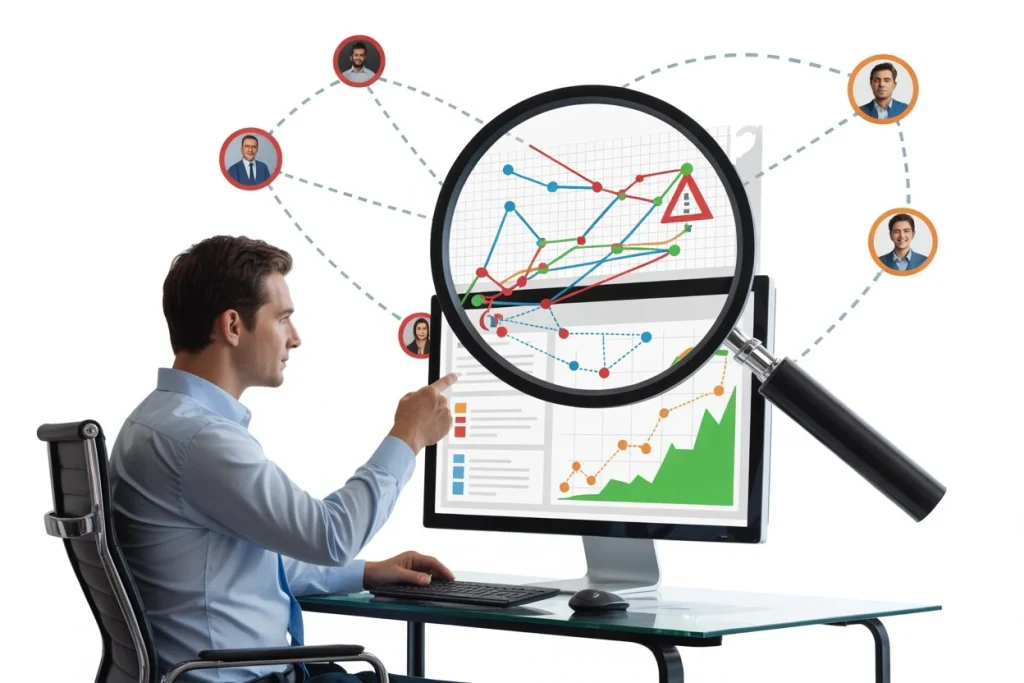
- To Spot Spammy Links: Sometimes bad websites link to you. This can hurt your SEO.
- To Track Your Progress: You need to see if your SEO strategy is actually working.
- To Spy on Competitors: By checking other websites, you can see where they get their links from and try to get the same.
Best Tools to Check Backlinks
Here are some of the best tools I recommend:
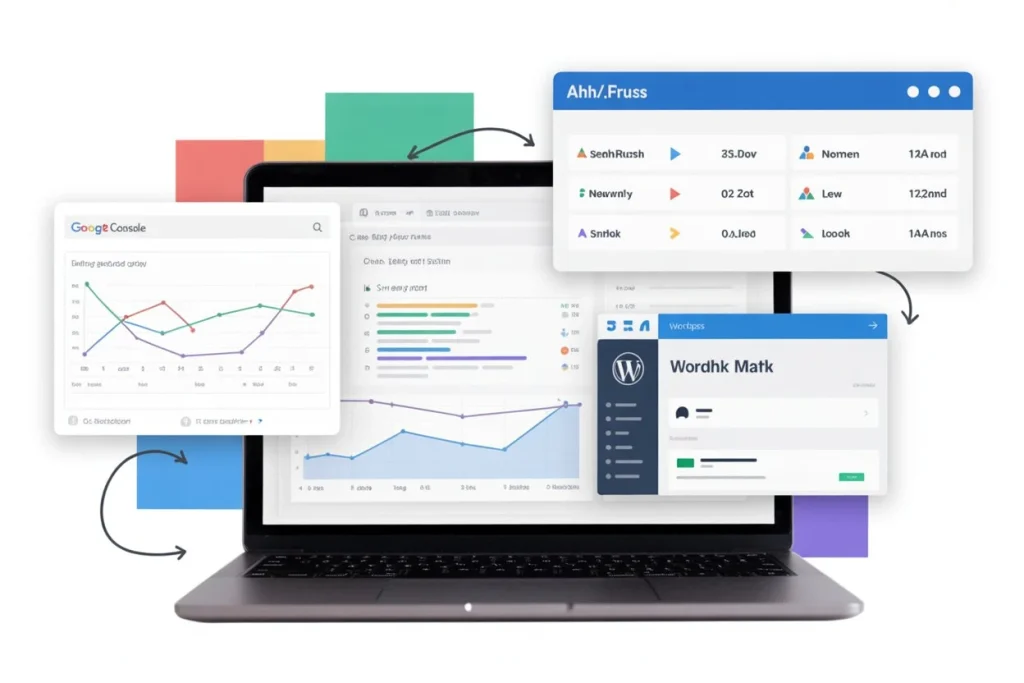
A. Google Search Console : This is a free tool by Google. Go to the “Links” section, and you will see which sites are linking to you. It is the most accurate for your own site.
B. Ahrefs & Semrush : These are paid tools but very powerful. They give you a “Domain Rating” (DR) and show you new or lost backlinks in real-time.
C. Rank Math SEO : Since you are using WordPress, Rank Math helps you track your internal and external links easily from your dashboard.
How to Analyze Your Backlinks
- Step 1: Use a tool like Ahrefs or Search Console.
- Step 2: Enter your domain name.
- Step 3: Look for “Referring Domains.”
- Step 4: Check the “Anchor Text” to see what words are used for the link.
FAQ Section
Is it free to check backlinks?
Yes, tools like Google Search Console and some free versions of Ahrefs allow you to check for free.
What is a “Toxic” backlink?
A toxic backlink comes from a spammy or low-quality site that can decrease your ranking.
How many backlinks do I need to rank?
There is no fixed number. It depends on the quality of the links and your competition.
Can I remove bad backlinks?
Yes, you can use the Google Disavow tool to tell Google to ignore bad links.
Does Rank Math show backlinks?
Rank Math shows your internal links and some external link data to help your SEO.
Conclusion
Learning how to check backlinks for website is a superpower in the SEO world. It helps you stay safe from penalties and climb the search results. Remember, quality is always better than quantity. Focus on getting links from high-authority sites, and your traffic will grow naturally.